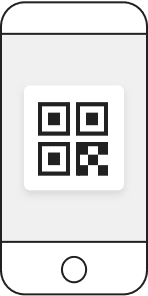
Admission for 2 guests
The QR code will be displayed after 0:00 on the day of admission.
teamLab Planets TOKYO
| Ticket type | Entrance Pass |
|---|---|
| Admission date and time(JST) | Thu Nov. 19, 2026 11:00 - 11:30 |
| Number of tickets |
|
-
*Please come to the entrance at the admission time indicated on the ticket and wait in line.
*Please note that you may have to wait in line to enter the venue during busy times.
*The above time is not the staying time in the venue.
*Resale for commercial purposes is prohibited.
-
Inquiry Number : 1562b6ac1ef6943b3b
Food & Store

Vegan Ramen UZU Tokyo
Vegan Ramen UZU Kyoto has been featured in Bib Gourmand in the Michelin Guide Kyoto and Osaka for four consecutive years. You can eat this ramen exclusively at teamLab Planets in the Tent or Wisteria Cherry Tree areas, and in the artwork space Emptiness Table.
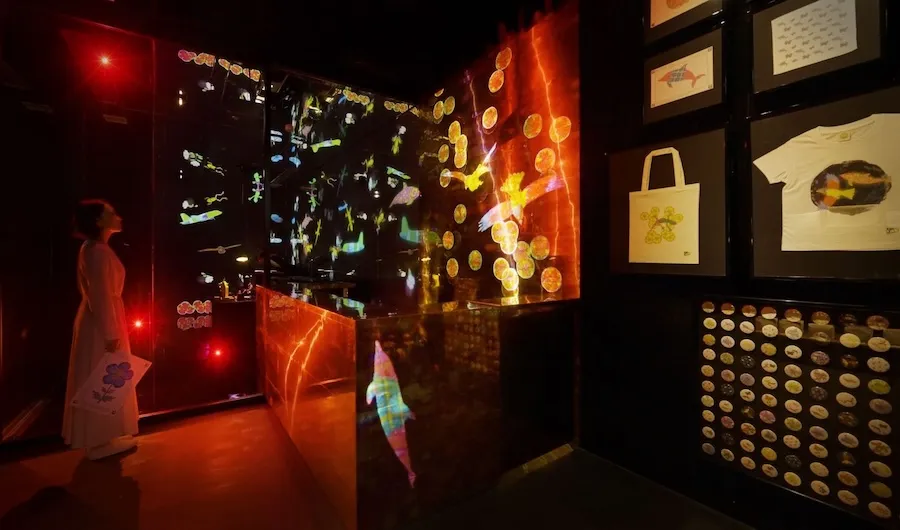
Sketch Factory
Turn your own drawing into a gift to take home with you.
The creatures you draw in Graffiti Nature and Sketch Umwelt World will be made into an original gift such as a badge, hand towel, T-shirt, tote bag or papercraft.
App
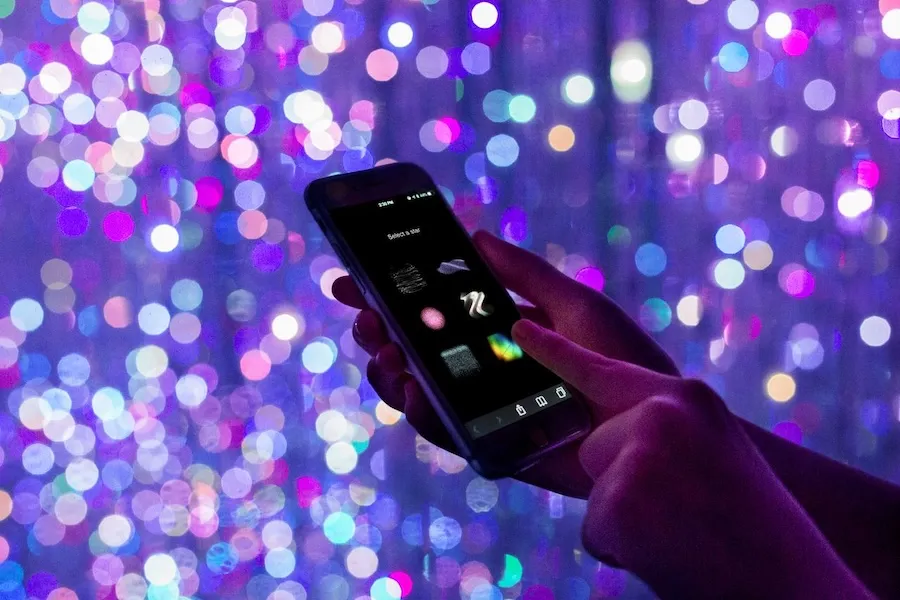
teamLab App
Understand Deeply and Enjoy More We have prepared a guide app that allows you to read the concepts of the artworks near you.
Create the Artwork with Others In The Infinite Crystal Universe, you can participate in the art using this app. You create the artwork with those around you.
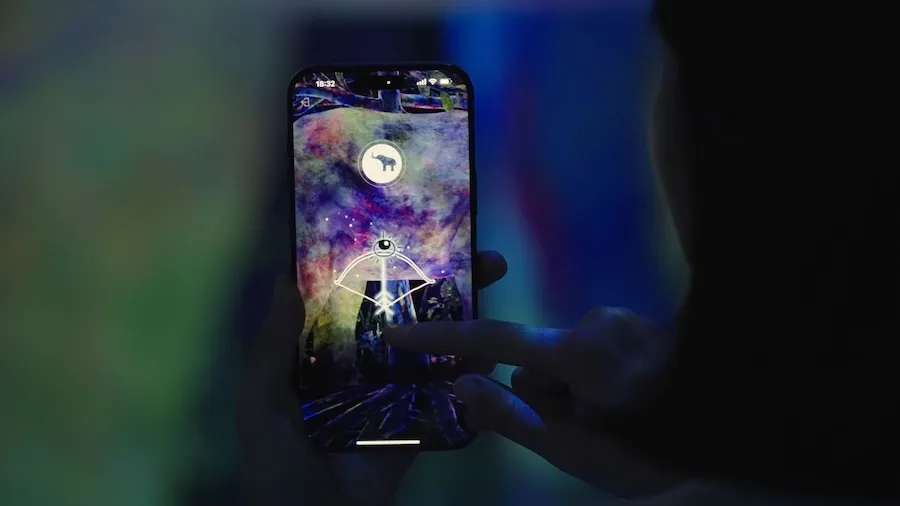
Catching and Collecting Extinct Forest
The Catching and Collecting Extinct Forest is an artwork that can be enjoyed with your smartphone app.
Catch the Animals Using the app's camera, aim at the animals on the wall and release a Research Eye at them, or set light nets around their feet to capture them.
Research the Animals The captured animals disappear from the space and enter the smartphone app's collection book. Catch various animals, study them, and create your own collection book.
Release the Animals If you swipe the captured animals away, they are released and reappear in the artwork space.
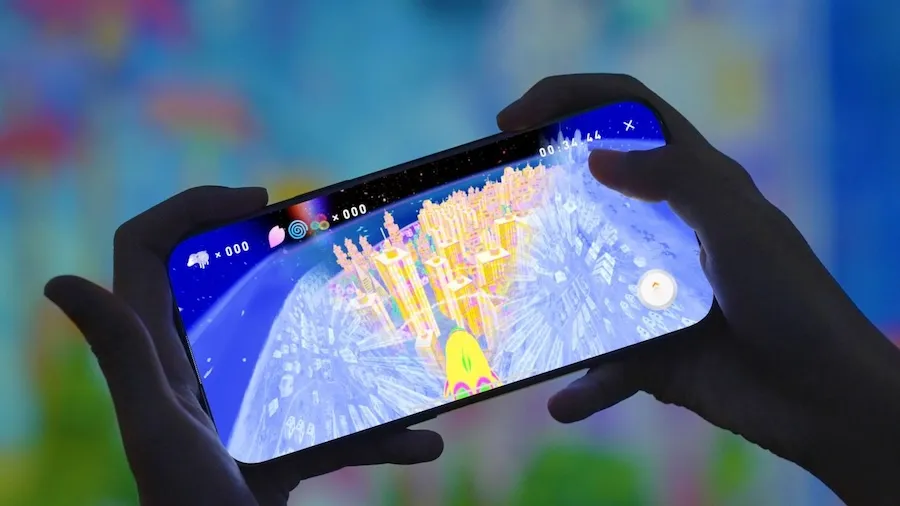
Sketch Umwelt World
Sketch Umwelt World is an artwork that can be enjoyed with your smartphone app.
You can control the plane, butterfly, hawk, or dolphin with the APP and see the world from their perspectives on the screen.
Each living creature understands the world only through their own perception, so the world looks different depending on the creature. Such worlds constructed upon each creature's unique perceptual experiences are called umwelt.
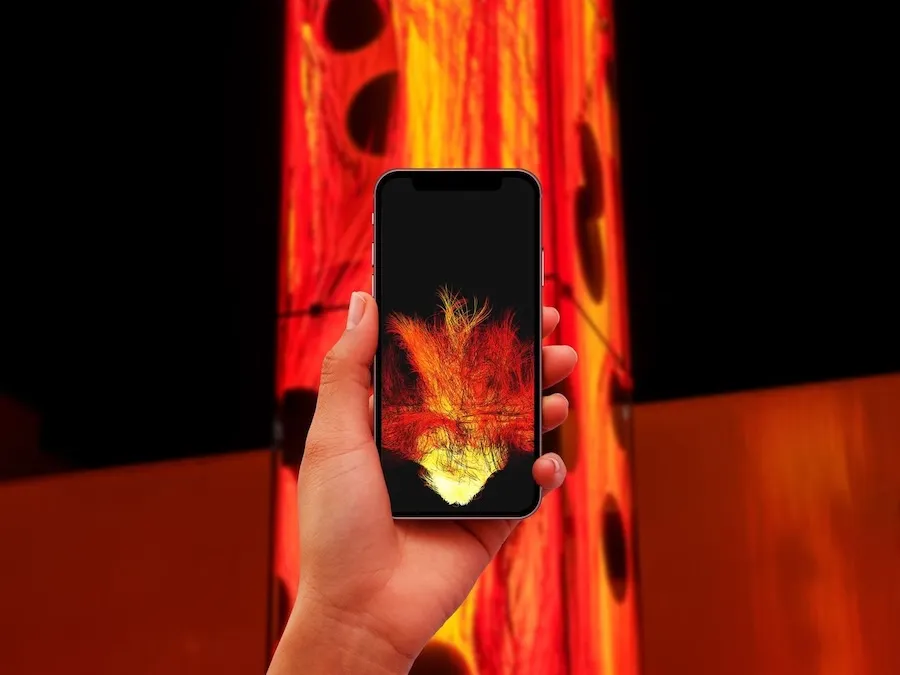
Distributed Fire
Light the Flame When you launch this app and approach Universe of Fire Particles Falling from the Sky, your flame will ignite and you can take the artwork home with you.
Share the Flame If you approach other people with the app, you can share your flame with them.
See the Map of the Flame The flames that are shared and spread, as well as the flames shared and spread by you, are displayed on the map in the app.
Using a QR Ticket
-
Using it on your smartphone
![]()
-
Print out on paper
![]() Open the print page
Open the print page


Ticket Storage Method
Please carefully store your ticket using one of the methods below until the day of admission.
-
![]()
Bookmark "My Ticket"
Please bookmark and save the URL of the "My Ticket" page.
-
![]()
Store the email
An email containing the ticket URL will be sent at the time of purchase and two days before admission.
Open the URL to display "My Ticket".
If you have not received an email, please refer to the help page below.
The purchase confirmation email was not delivered.


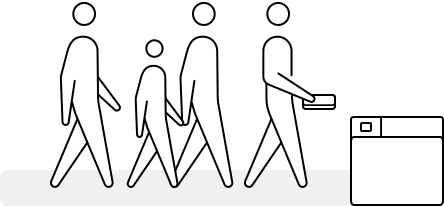
Admission Process
-
![]()
Display the ticket
While waiting in the admission queue, please display the QR code of "My Ticket" on your smartphone device or prepare your printed ticket.
-
![]()
Scan the QR code of "My Ticket" for admission
Please scan the QR code of "My Ticket" at the entrance gate.