เข้าชม1ท่าน
การแจกจ่ายเสร็จสิ้น (ทั้งหมดรับแล้ว)
ใช้งานเมื่อ พฤหัส 21 ก.ย. 2023 11:20
teamLab Planets TOKYO
| ประเภทตั๋ว | ตั๋วเข้าชม |
|---|---|
| วันและเวลาเข้าชม(JST) | พฤหัส 21 ก.ย. 2023 11:30 - 12:00 |
| จำนวนคนที่ต้องการซื้อ |
|
-
*มีความเป็นไปได้ที่จะต้องรอโดยประมาณ 30 นาทีเพื่อเข้าชม
*เวลาด้านบนไม่ใช่เวลาสำหรับใช้ภายในงาน
*ห้ามใช้เพื่อวัตถุประสงค์เชิงพาณิชย์
-
หมายเลขติดต่อ : c943b64af111dd2b7f
Food & Store
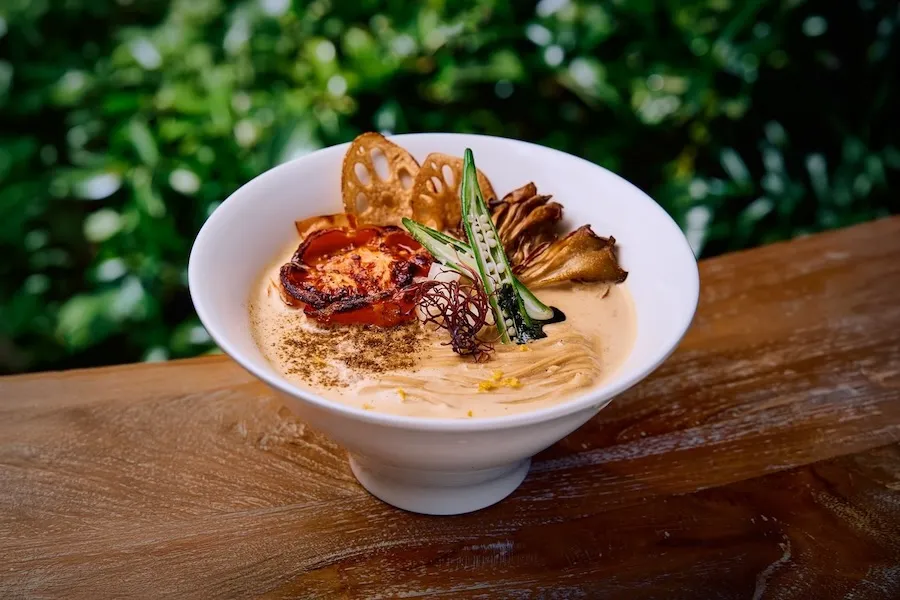
Vegan Ramen UZU Tokyo
ร้าน Vegan Ramen UZU Kyoto ได้รับการบรรจุลงบน "MICHELIN Guide Kyoto and Osaka" ในหมวด BIB Gourmand 4 ปีซ้อน คุณสามารถลิ้มลองราเม็งจานพิเศษที่มีจำหน่ายเฉพาะที่ teamLab Planets เท่านั้นได้ มีโซนที่นั่งบริเวณเต็นท์ หรือรอบ ๆ ต้น Wisteria Cherry Tree ให้เลือกนั่ง ทั้งยังสามารถอิ่มอร่อยท่ามกลางบรรยากาศผลงานศิลปะอย่าง "Emptiness Table" ได้อีกด้วย
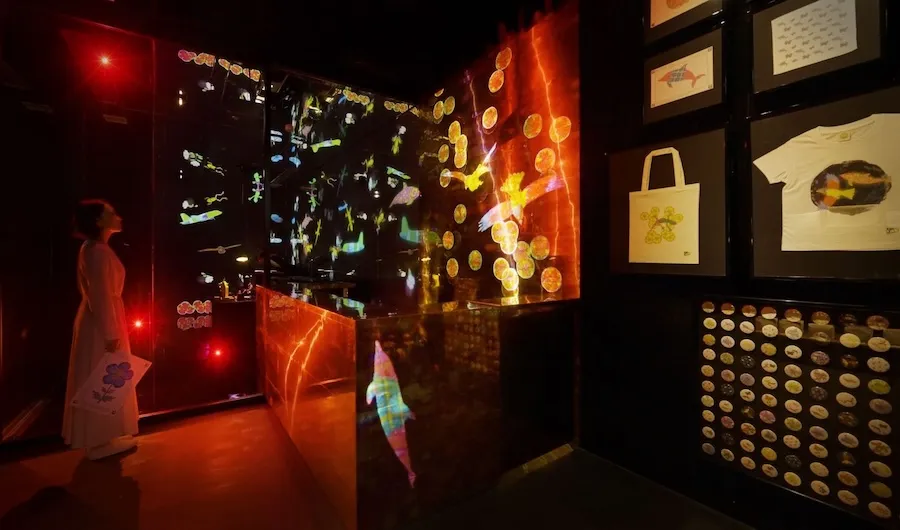
Sketch Factory
Turn your own drawing into a gift to take home with you.
The creatures you draw in Graffiti Nature and Sketch Umwelt World will be made into an original gift such as a badge, hand towel, T-shirt, tote bag or papercraft.
App
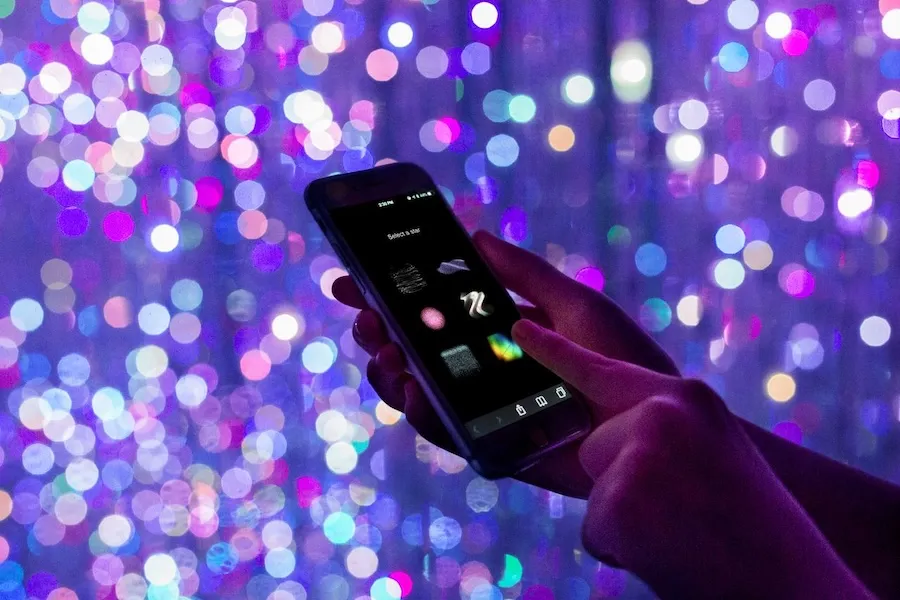
teamLab App
Understand Deeply and Enjoy More We have prepared a guide app that allows you to read the concepts of the artworks near you.
Create the Artwork with Others In The Infinite Crystal Universe, you can participate in the art using this app. You create the artwork with those around you.
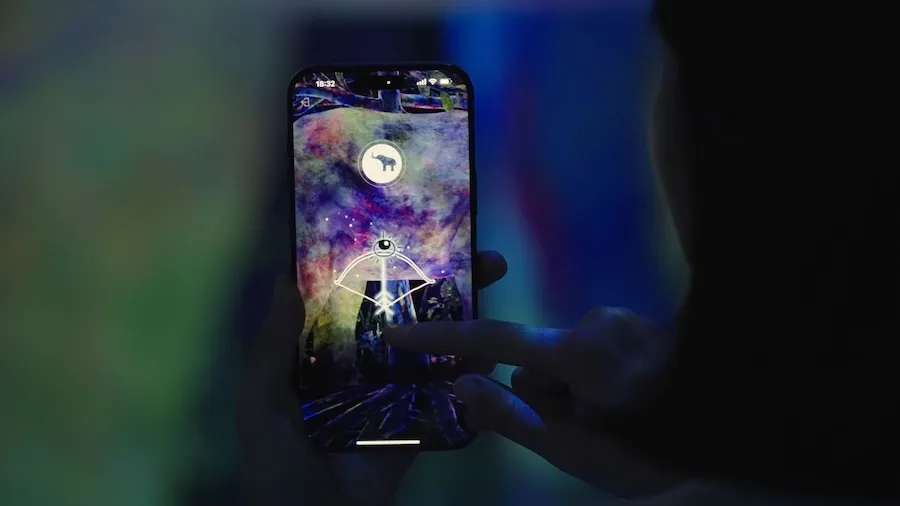
Catching and Collecting Extinct Forest
The Catching and Collecting Extinct Forest is an artwork that can be enjoyed with your smartphone app.
Catch the Animals Using the app's camera, aim at the animals on the wall and release a Research Eye at them, or set light nets around their feet to capture them.
Research the Animals The captured animals disappear from the space and enter the smartphone app's collection book. Catch various animals, study them, and create your own collection book.
Release the Animals If you swipe the captured animals away, they are released and reappear in the artwork space.
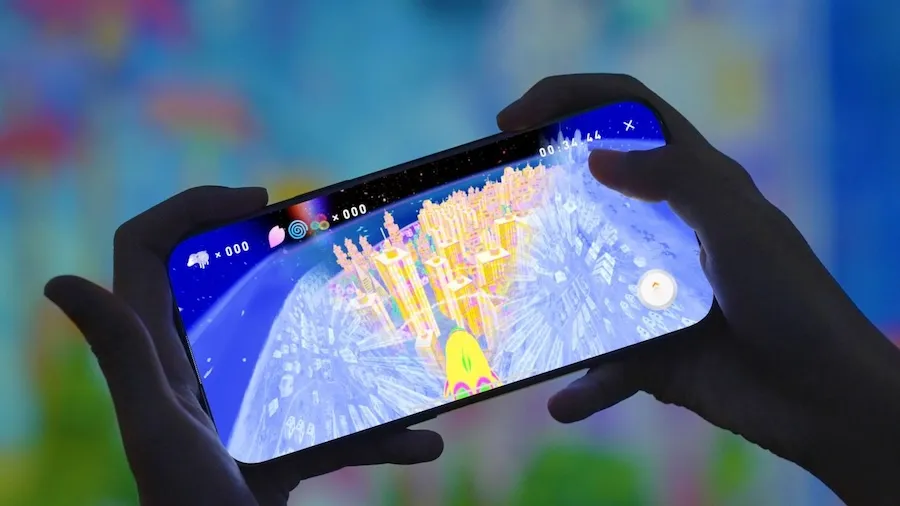
Sketch Umwelt World
Sketch Umwelt World is an artwork that can be enjoyed with your smartphone app.
You can control the plane, butterfly, hawk, or dolphin with the APP and see the world from their perspectives on the screen.
Each living creature understands the world only through their own perception, so the world looks different depending on the creature. Such worlds constructed upon each creature's unique perceptual experiences are called umwelt.
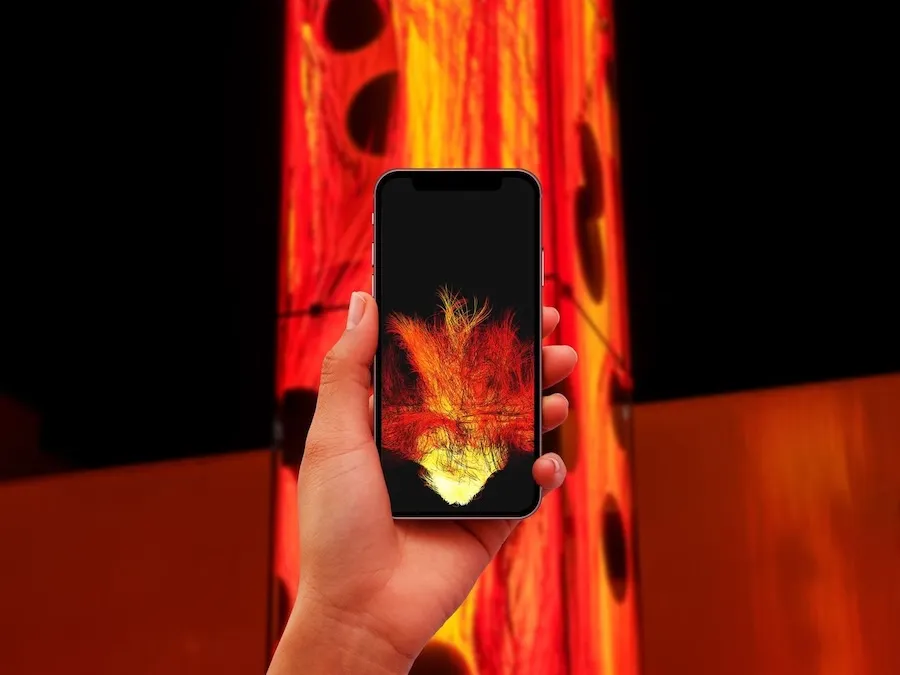
Distributed Fire
Light the Flame When you launch this app and approach Universe of Fire Particles Falling from the Sky, your flame will ignite and you can take the artwork home with you.
Share the Flame If you approach other people with the app, you can share your flame with them.
See the Map of the Flame The flames that are shared and spread, as well as the flames shared and spread by you, are displayed on the map in the app.
วิธีใช้งานตั๋ว
-
ใช้งานโดยสมาร์ตโฟน
![]()
-
พิมพ์ลงบนกระดาษ
![]() เปิดหน้าสำหรับพิมพ์
เปิดหน้าสำหรับพิมพ์


วิธีการเก็บรักษาตั๋ว
"โปรดเก็บตั๋วของคุณไว้เป็นอย่างดี โดยเลือกวิธีเก็บรักษาตั๋ววิธีใดวิธีหนึ่งตามรายละเอียดด้านล่างจนถึงวันเข้าใช้บริการ"
-
![]()
เก็บตั๋วด้วยการบุ๊กมาร์ค "My Ticket"
โปรดใช้เครื่องมือบุ๊กมาร์คและเซฟ URL ของหน้า "My Ticket"
-
![]()
เก็บตั๋วผ่านอีเมล
อีเมลที่แสดง URL ของตั๋วจะถูกส่งให้คุณหลังคำสั่งซื้อเสร็จสมบูรณ์และ 2 วันล่วงหน้าก่อนวันเข้าใช้บริการ
โปรดกด URL ที่อยู่ในอีเมลเพื่อแสดง "My Ticket"
หากคุณไม่ได้รับอีเมลดังกล่าว โปรดตรวจสอบที่หน้าความช่วยเหลือด้านล่าง
ไม่ได้รับอีเมลยืนยันคำสั่งซื้อ


ขั้นตอนการเข้าใช้บริการ
-
![]()
แสดงตั๋ว
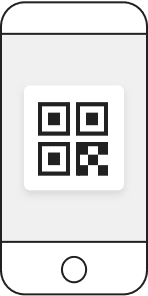
ระหว่างรอคิวเข้าใช้บริการ โปรดเตรียมแสดง QR Code ของ "My Ticket" ผ่านหน้าจอโทรศัพท์มือถือ หรือปรินต์ QR Code ลงบนกระดาษและใช้แสดงต่อเจ้าหน้าที่ได้
-
![]()
แสกน QR Code ของ "My Ticket" เพื่อเข้าใช้บริการ
โปรดแสกน QR Code ของ "My Ticket" บริเวณประตูทางเข้าเพื่อเข้าใช้บริการ